How to Put Invoices in Different Currencies in One Excel
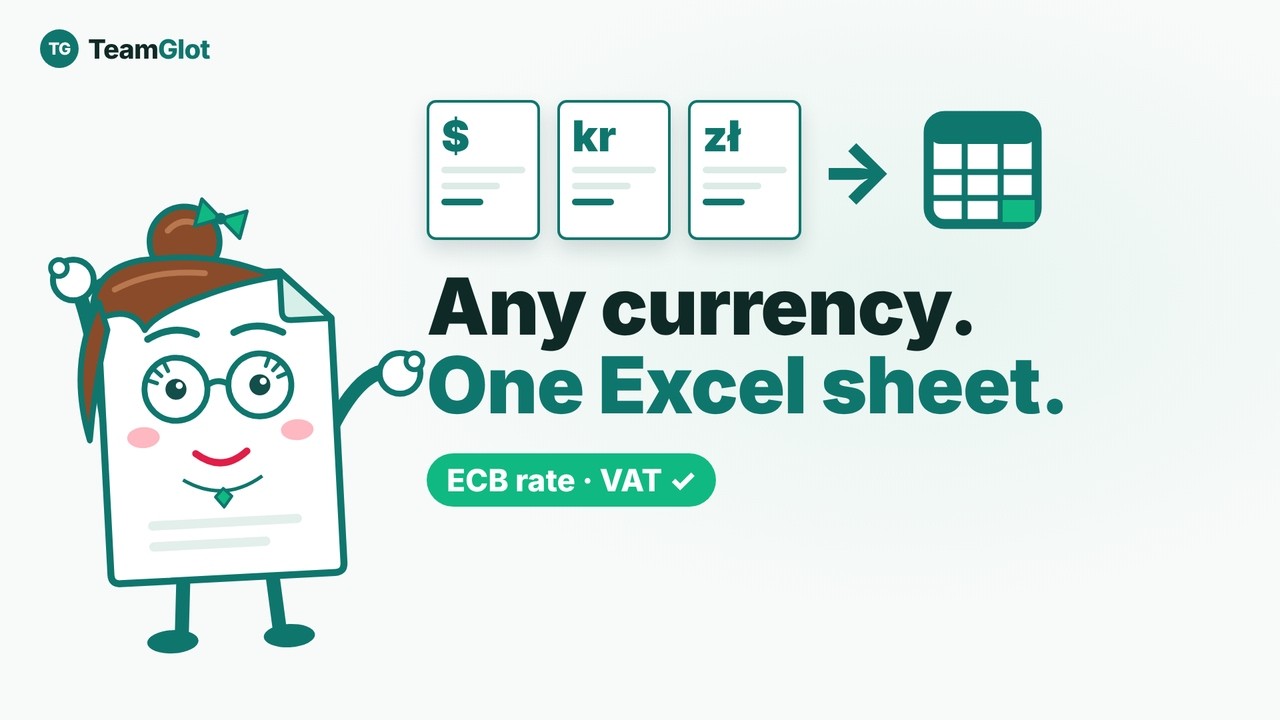
How do you put invoices in different currencies into one Excel sheet? With TeamGlot, the lines go into Excel at the ECB rate from the invoice date.
The video loads from YouTube (youtube-nocookie.com) only when you press play.
Read the guide as text
In this video
- Upload a PDF or scanned invoice, click Extract, then Excel. PDF and TIFF files are read with OCR first.
- TeamGlot fills in the ECB reference rate from the invoice date, and you can correct it.
- You choose whether the amounts include VAT, and TeamGlot warns you when your choice does not match the invoice totals.
- Before a line is added, TeamGlot compares the total with the invoice's own total.
- Invoices in US dollars and Danish kroner end up in the same Excel file, in euros, with VAT and totals.
- The Excel file stays on your PC and is not sent to the server. Shared files in TeamGlot are deleted automatically – a workspace, not an archive.
Chapters
- 0:00 How to put invoices in different currencies in one Excel sheet
- 0:48 Open Document editing
- 1:05 Invoice 1 in US dollars: get the invoice lines
- 2:04 Incl. or excl. VAT? Check before adding
- 2:39 Add the lines to a new Excel file
- 3:24 Invoice 2 in Danish kroner, same Excel file
- 4:29 The result: two currencies in one Excel sheet
- 4:59 Make your own Excel template
- 6:13 Good to know: ECB rates and tips
- 6:42 What is TeamGlot?
Try TeamGlot:
7-day free trial of Pro when registering a credit card – Cancel anytime at no cost within 7 days. Only for newly created accounts — excluding the Free plan
TeamGlot brings documents, chat, tasks and calendar together in one place, so companies can share, approve and discuss documents with clients and partners without long email threads – and everything can be translated live into 33 languages. Built in Denmark, hosted in the EU.