What Is TeamGlot? A Quick Tour of All 6 Tools
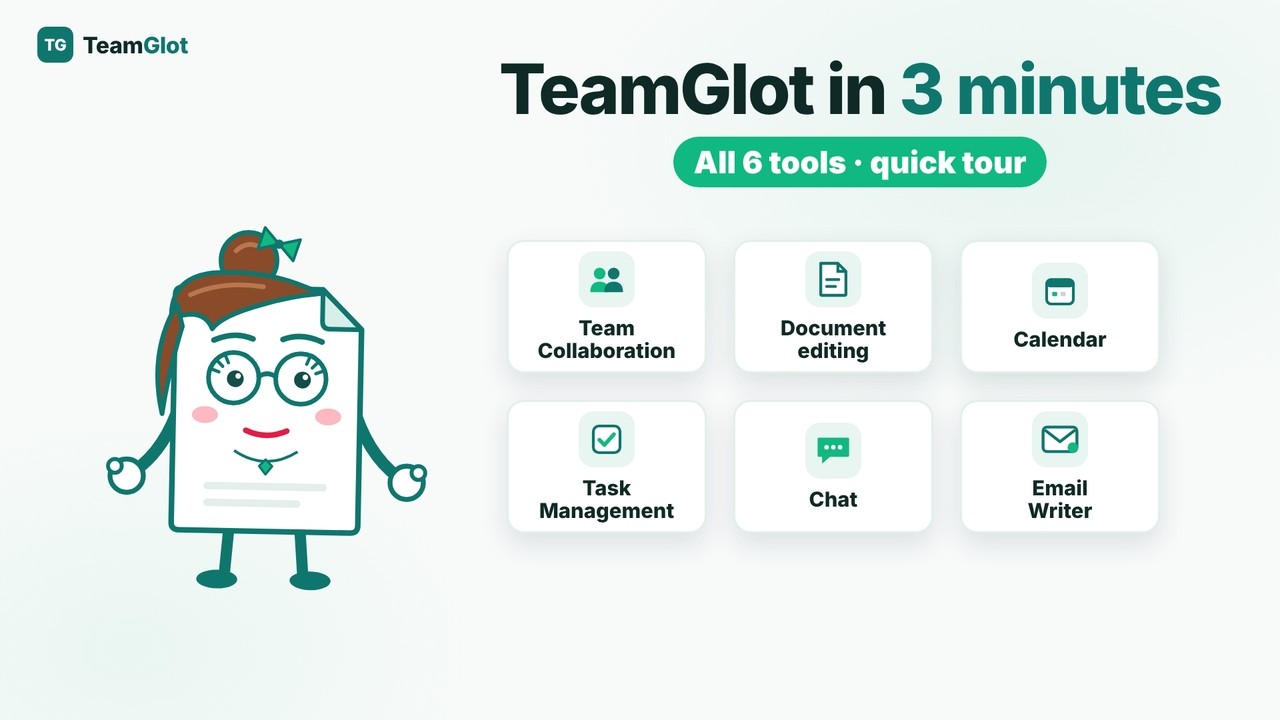
TeamGlot in 3 minutes: a quick tour of all six tools – Team Collaboration, Document editing, Calendar, Task Manager, Chat and AI Email Writer – so you can find your way around fast.
The video loads from YouTube (youtube-nocookie.com) only when you press play.
Read the guide as text
In this video
- Choose your language and log in – guests join with an invite code
- Dashboard: your plan, account, the six tools, your team and today's calendar
- Team Collaboration: chat meetings with up to 10 nationalities, shared documents, guest access with a one-time code
- Document editing: AI summary, OCR, translation, analyse and extract, save in PDF, DOCX, DOC, ODT, RTF or TXT
- Calendar: Today free, Month free and Team free – your team only sees colours, never your details
- Task Manager: Kanban board, send tasks, Admin Team Task shared boards, overdue tasks flash red
- Chat with up to 5 people (max 1 guest) and the AI Email Writer
- Press the question mark on any page for step-by-step help
- Start free in 30 seconds. Task Manager from Basic, Team Collaboration from Pro with a 7-day free trial
Chapters
- 0:00 What is TeamGlot?
- 0:19 Choose your language, log in and the Dashboard
- 0:47 Team Collaboration
- 1:08 Document editing with OCR and AI
- 1:31 Calendar and Team free
- 1:51 Task Manager (Kanban)
- 2:13 Chat and AI Email Writer
- 2:39 Help, EU security and how to start
TeamGlot brings documents, chat, tasks and calendar together in one place, so companies can share, approve and discuss documents with clients and partners without long email threads – and everything can be translated live into 33 languages. Built in Denmark, hosted in the EU.